Skip to main content


Feature
Some questions may ask you to take photos of specific items.
1. Tap on the camera button to take a photo.
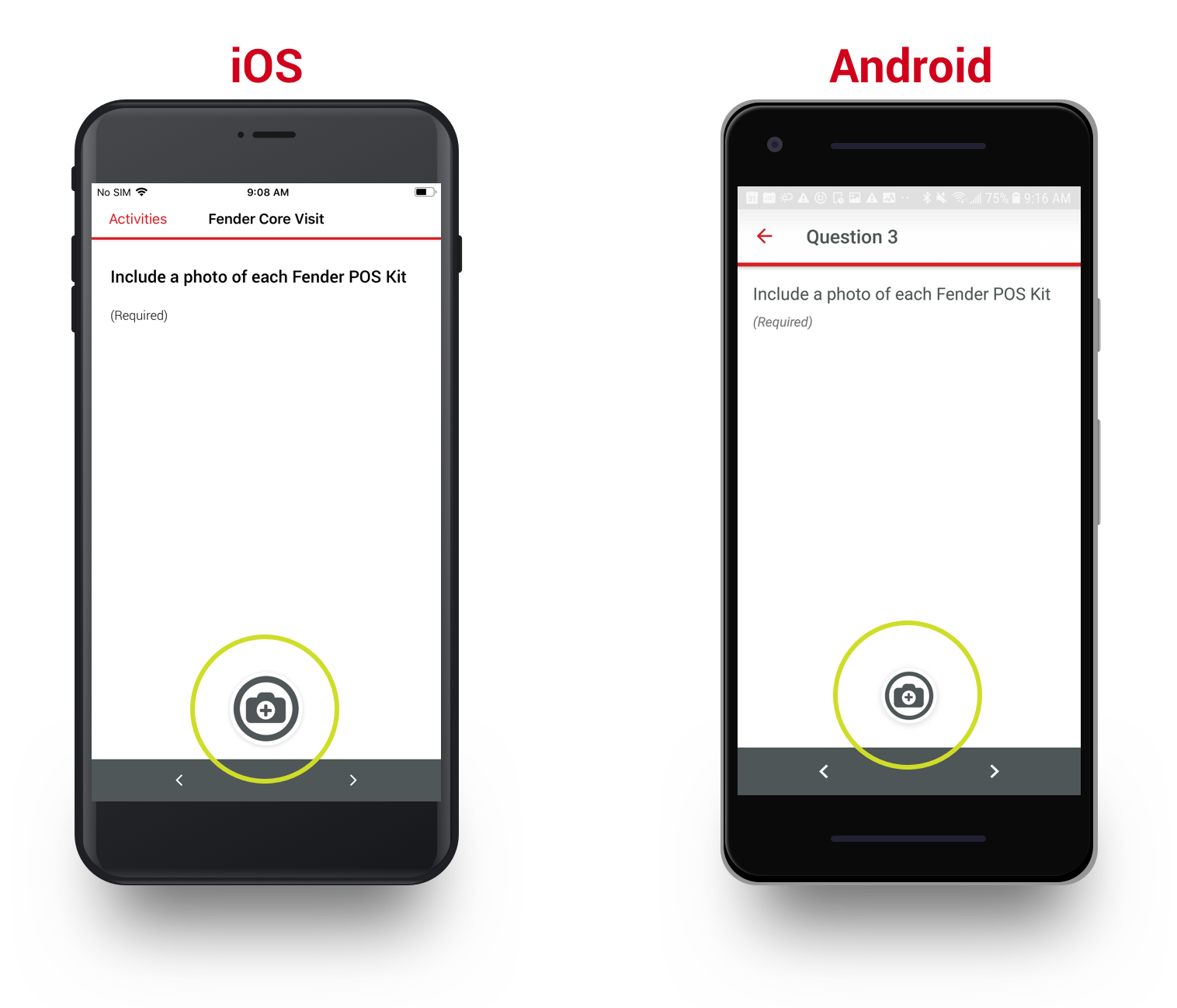
2. This will open your device's camera. You may choose to take a photo or choose a photo.
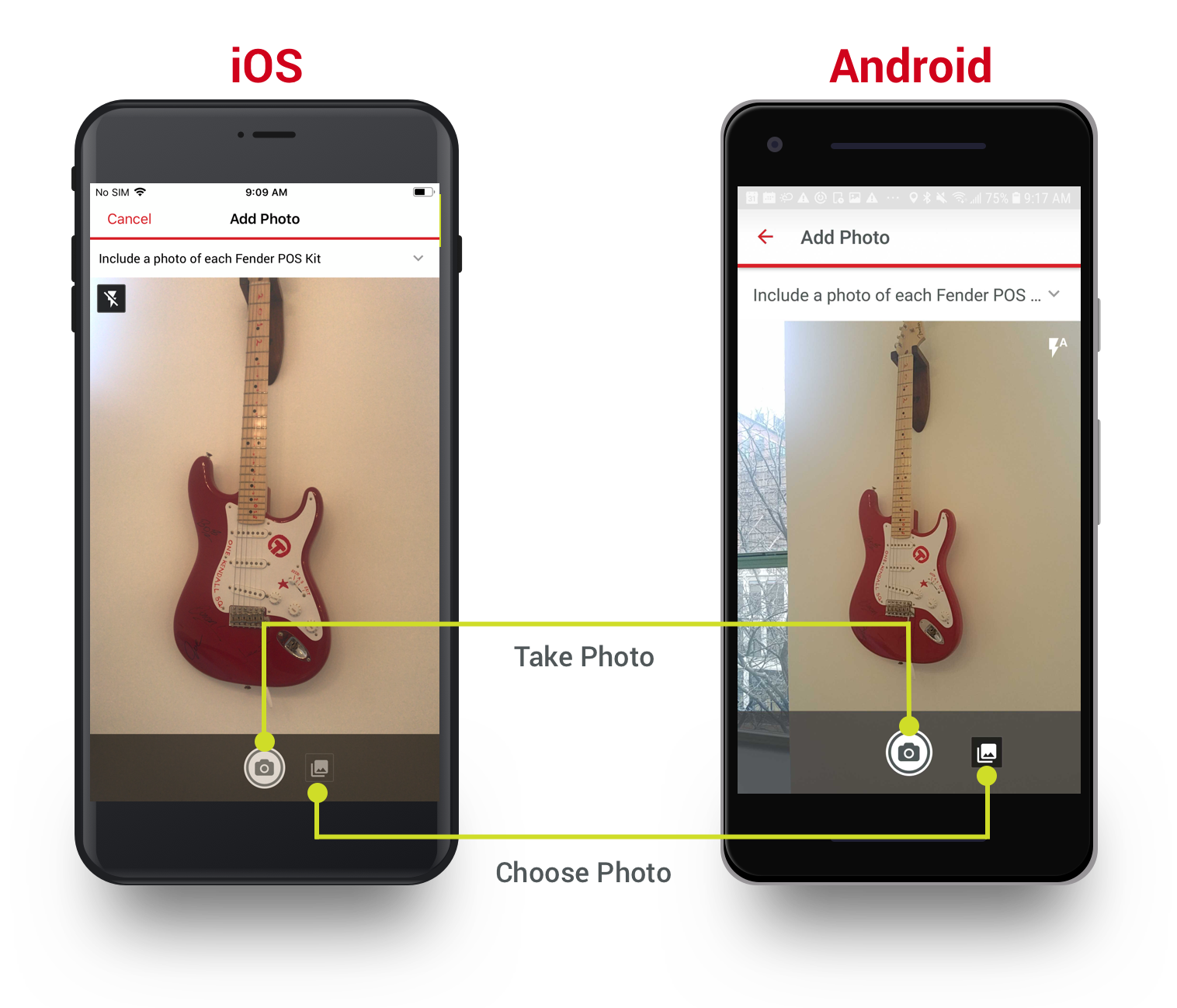
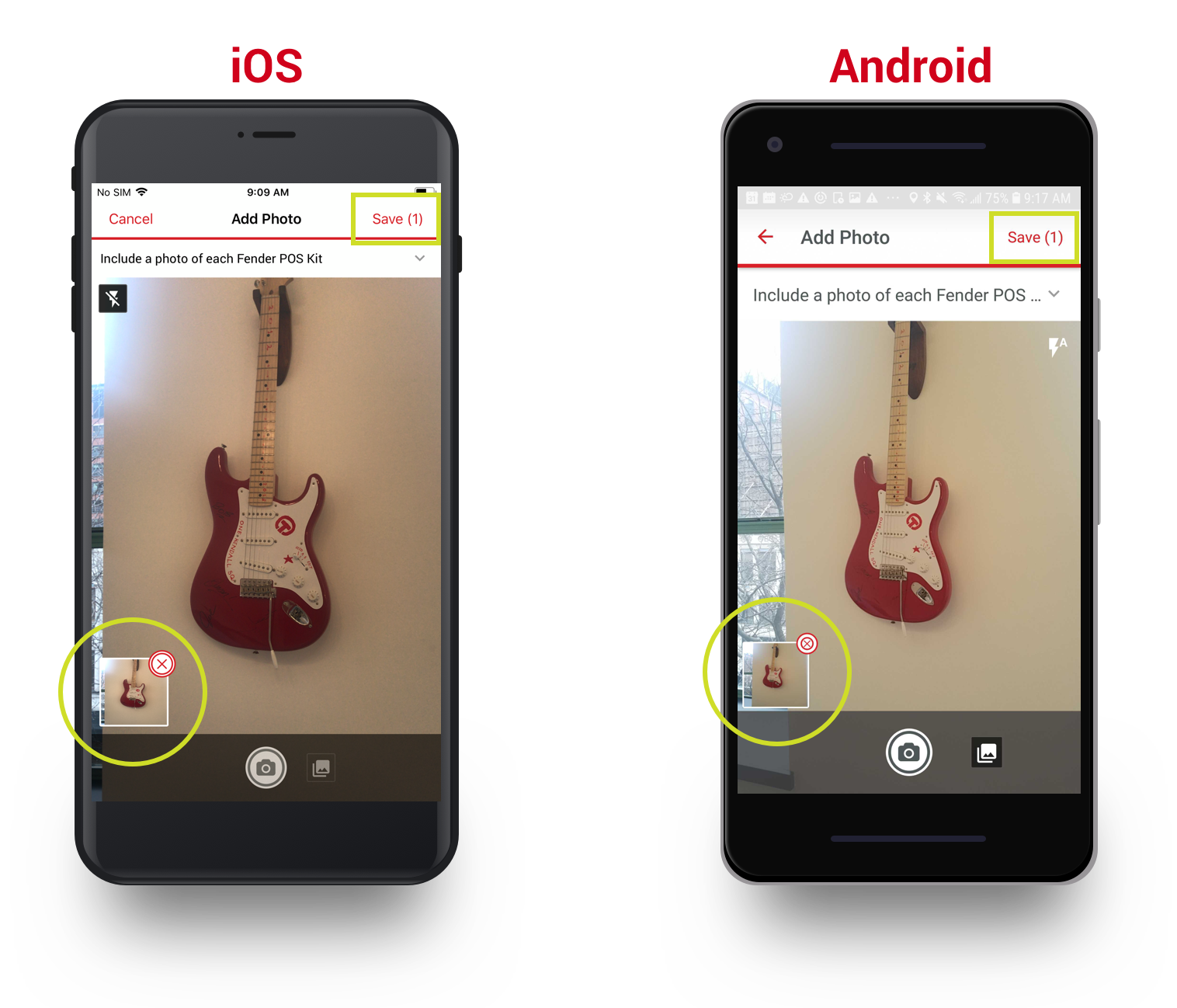
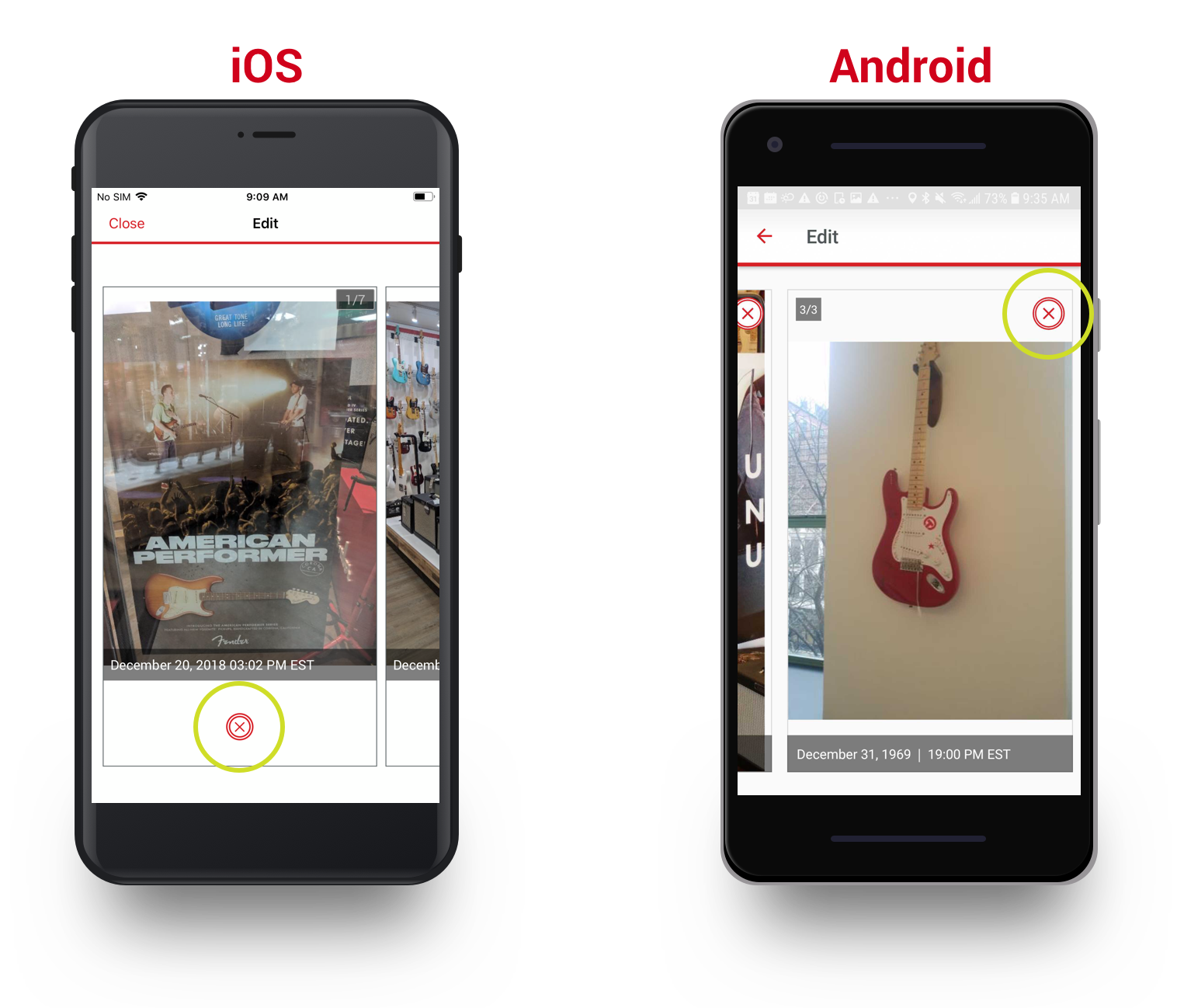
3. If using your camera to take photos, they will appear at the bottom of the screen. You can delete them by tapping the red X in the corner.
If everything looks okay, tap on Save.
4. Your photos will now appear underneath the original question. To Edit a photo, tap on the photo.
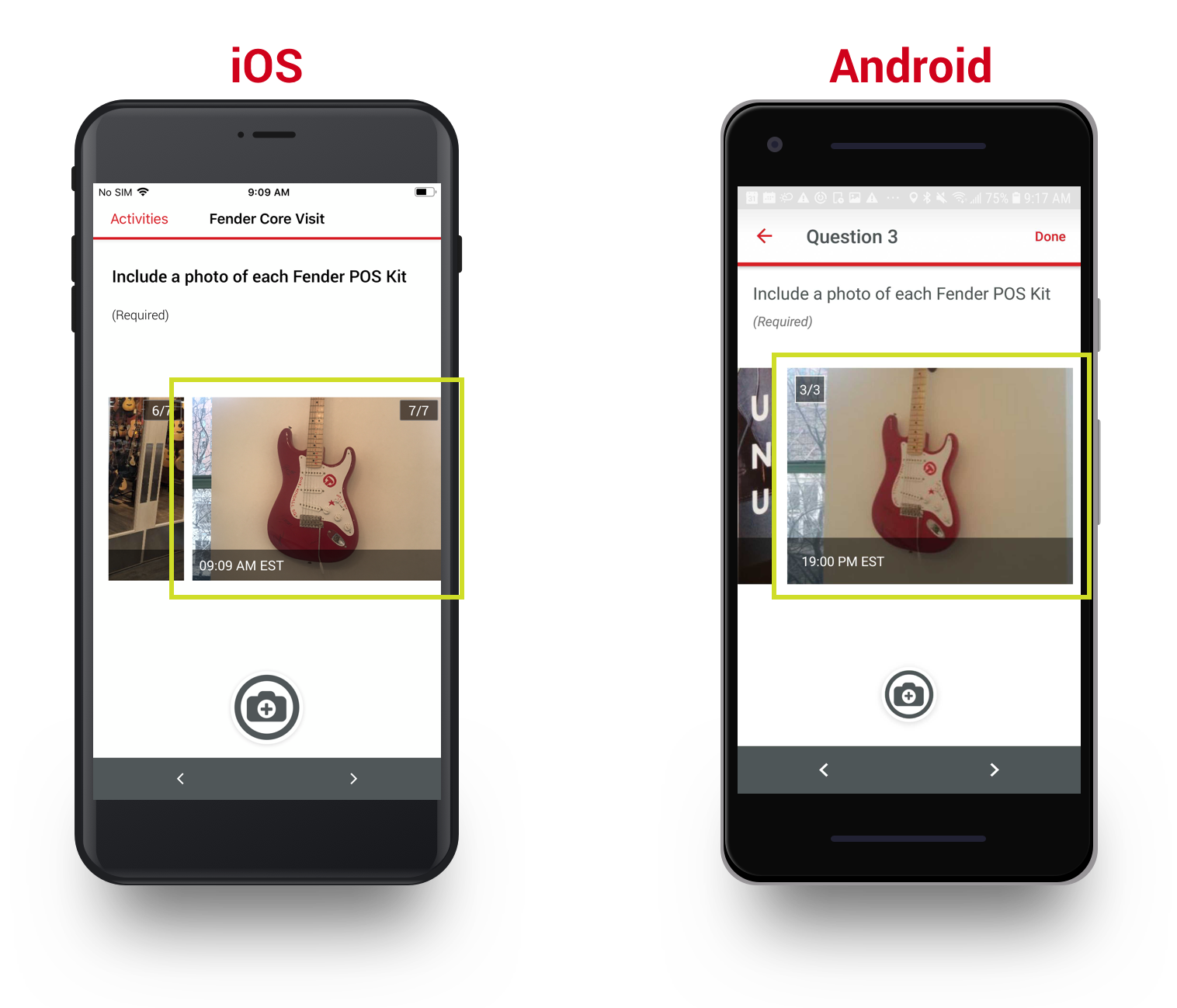
5. You can delete photos by tapping the red X button. When you are finished, tap on Close or Back.

Comments
0 comments
Article is closed for comments.